 SitSignal
Step-by-step help for booking and managing pet care.
Clear walkthroughs and plain-English answers for using SitSignal — booking each service, payments and policies, pet and home profiles, and staying safe. Search or pick a topic to jump in.
Find the guide you need
Search by keyword, or pick a topic from the list.
Booking
10 guides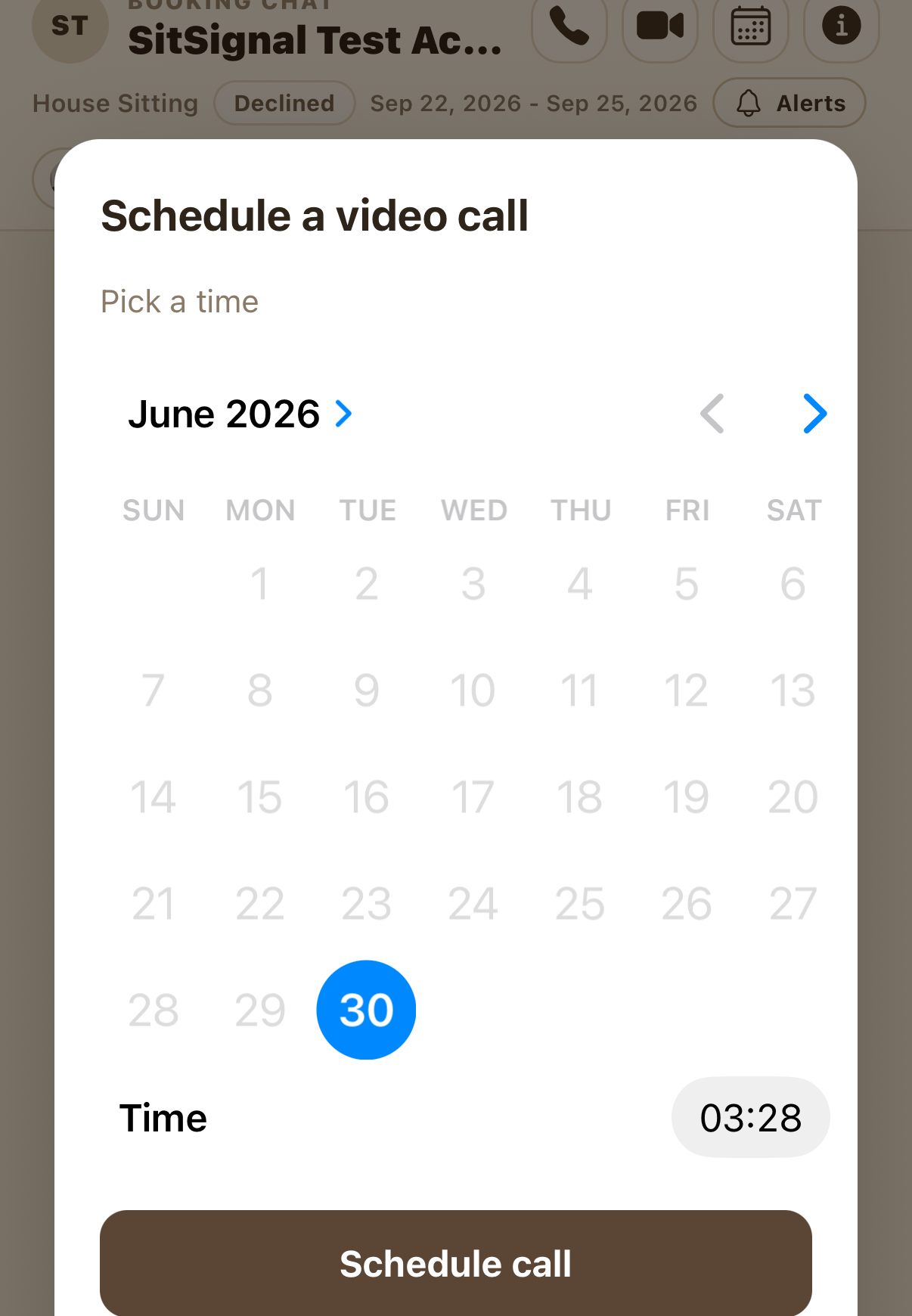
How to schedule a video call during a booking
Clients or sitters can line up a video call inside a booking: agree on a time, tap the calendar icon, pick a date and time, and get reminders. Calling anytime is always free-form.
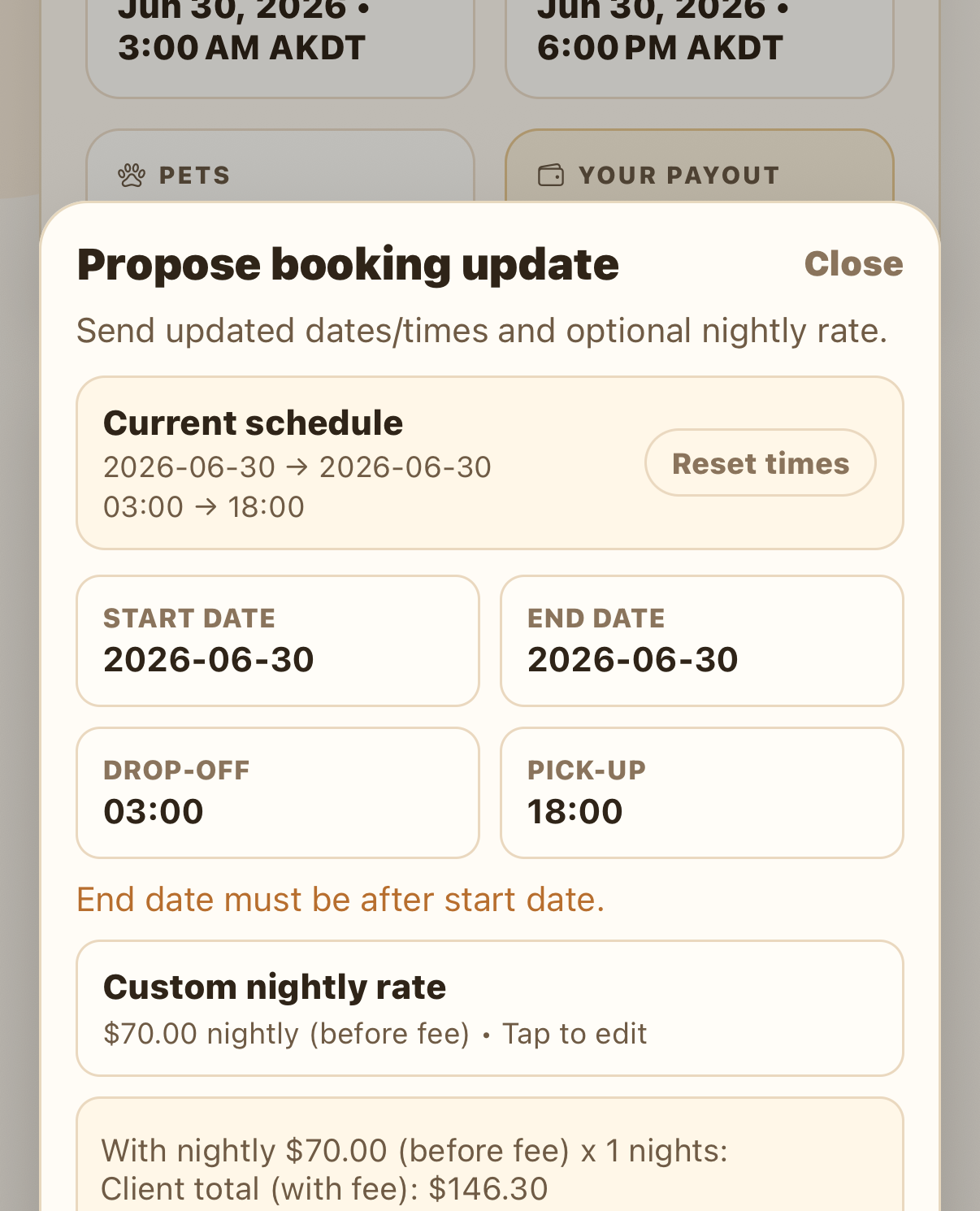
How to request a booking change
Clients or sitters can change a booking's dates, times, or nightly price: see the difference up front, approve it, and settle any balance — plus how refunds and SitSignal Credit work.
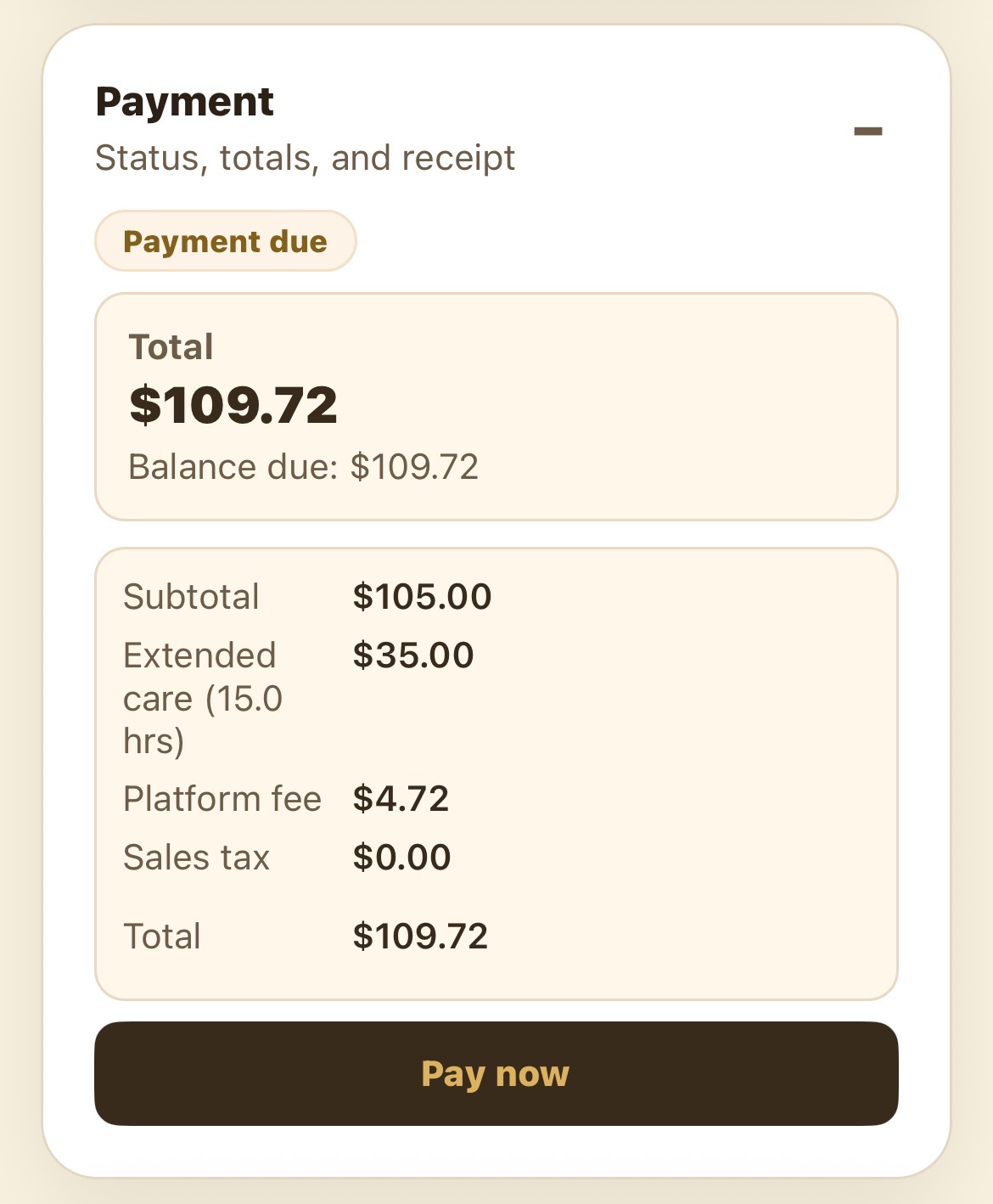
How to pay for a booking on SitSignal
Pay a booking in a few taps: tap Pay now, review the summary, add a promo code if you have one, and check out with a card or Apple Pay.
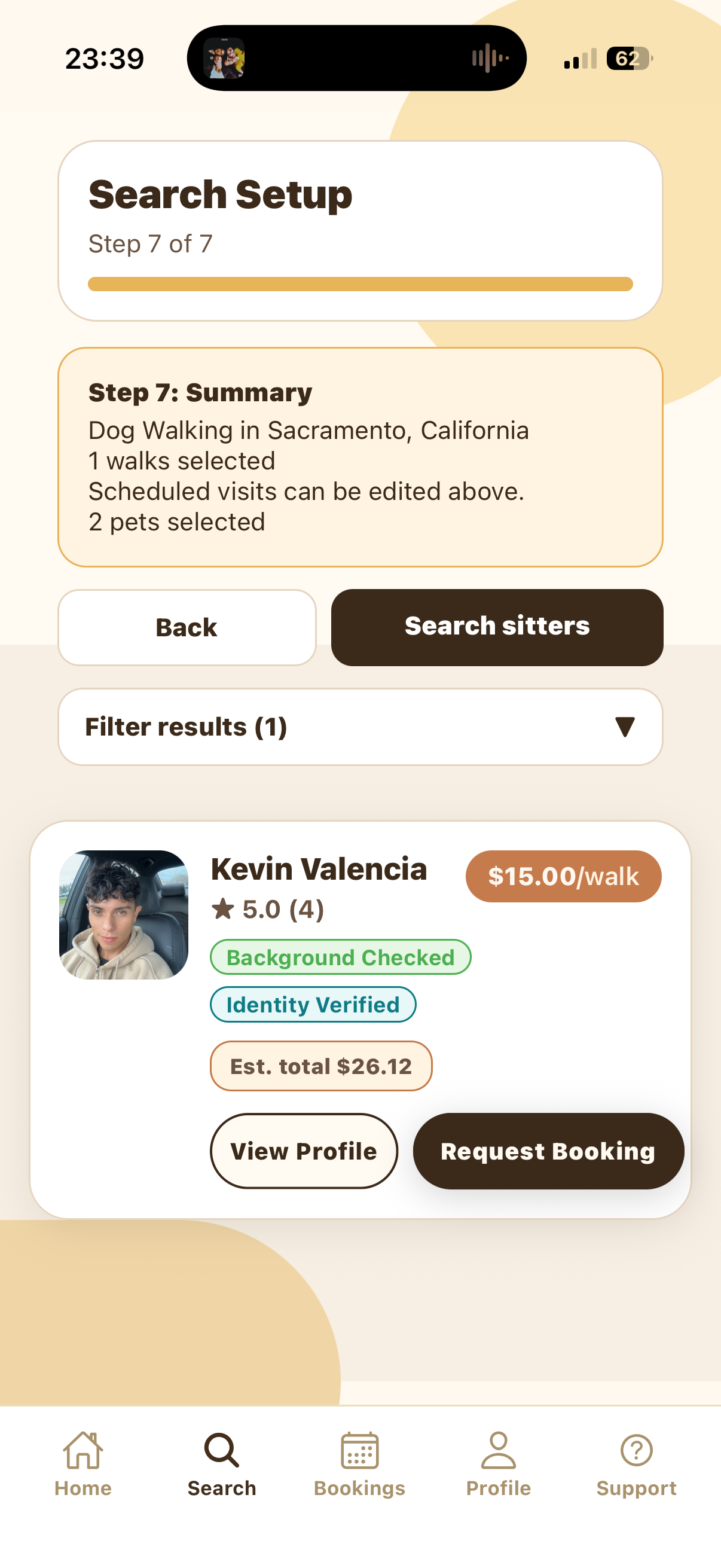
How to book a dog walk on SitSignal
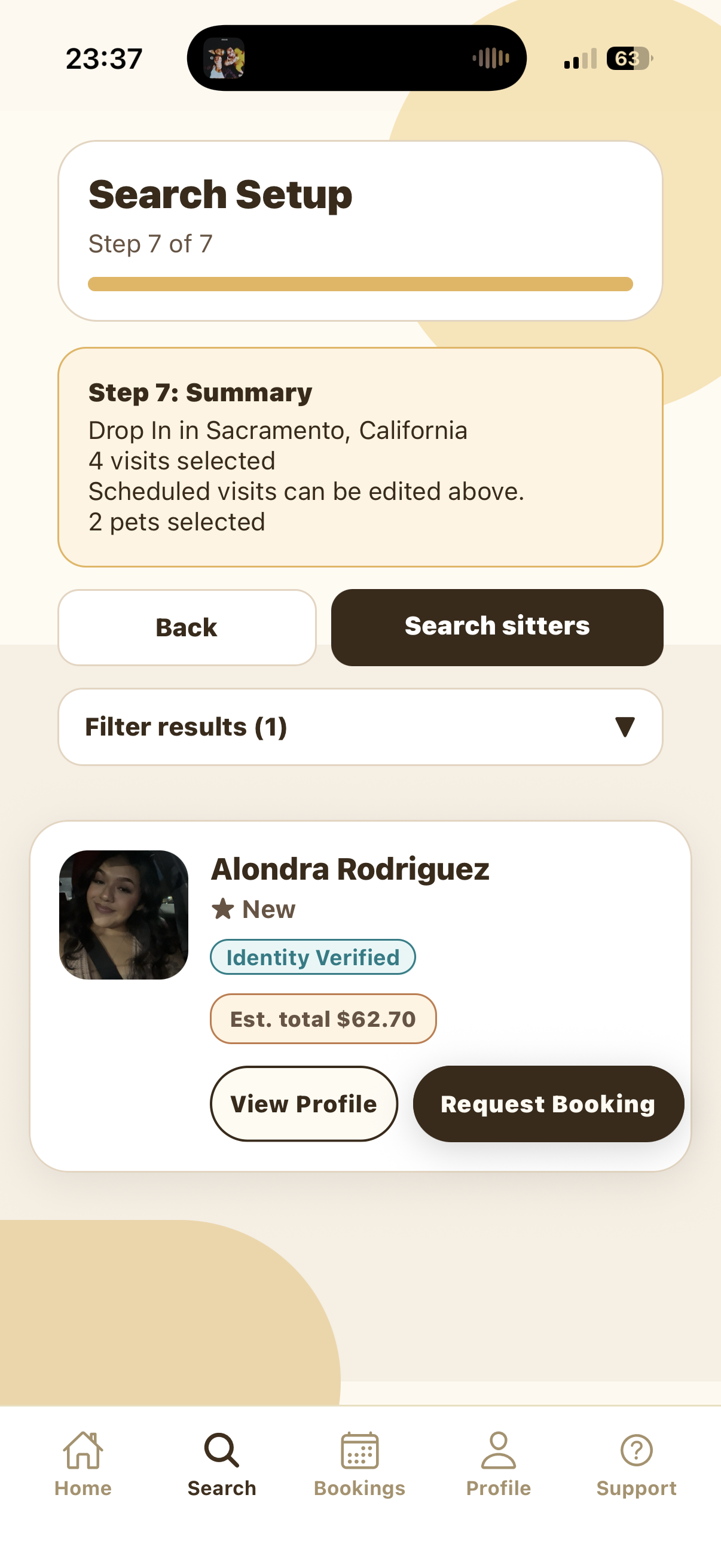
Choose Dog Walking, select your city, build a schedule, compare sitters, and send a booking request.
How to book a Drop-In visit on SitSignal
Choose Drop-In, select dates, create visit times, customize individual days, and request a sitter.
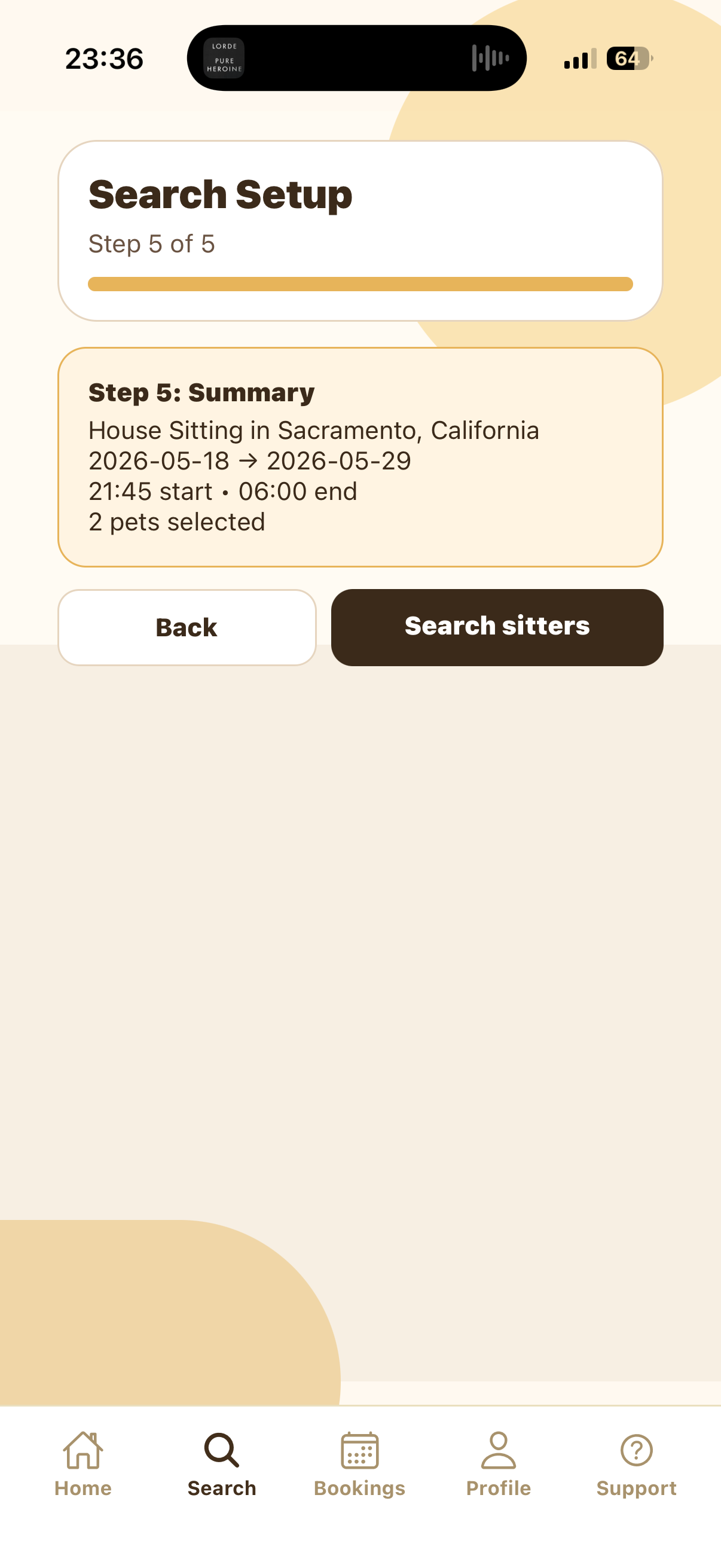
How to book House Sitting on SitSignal
Choose House Sitting, select your city, choose overnight dates and times, select a home, and search sitters.
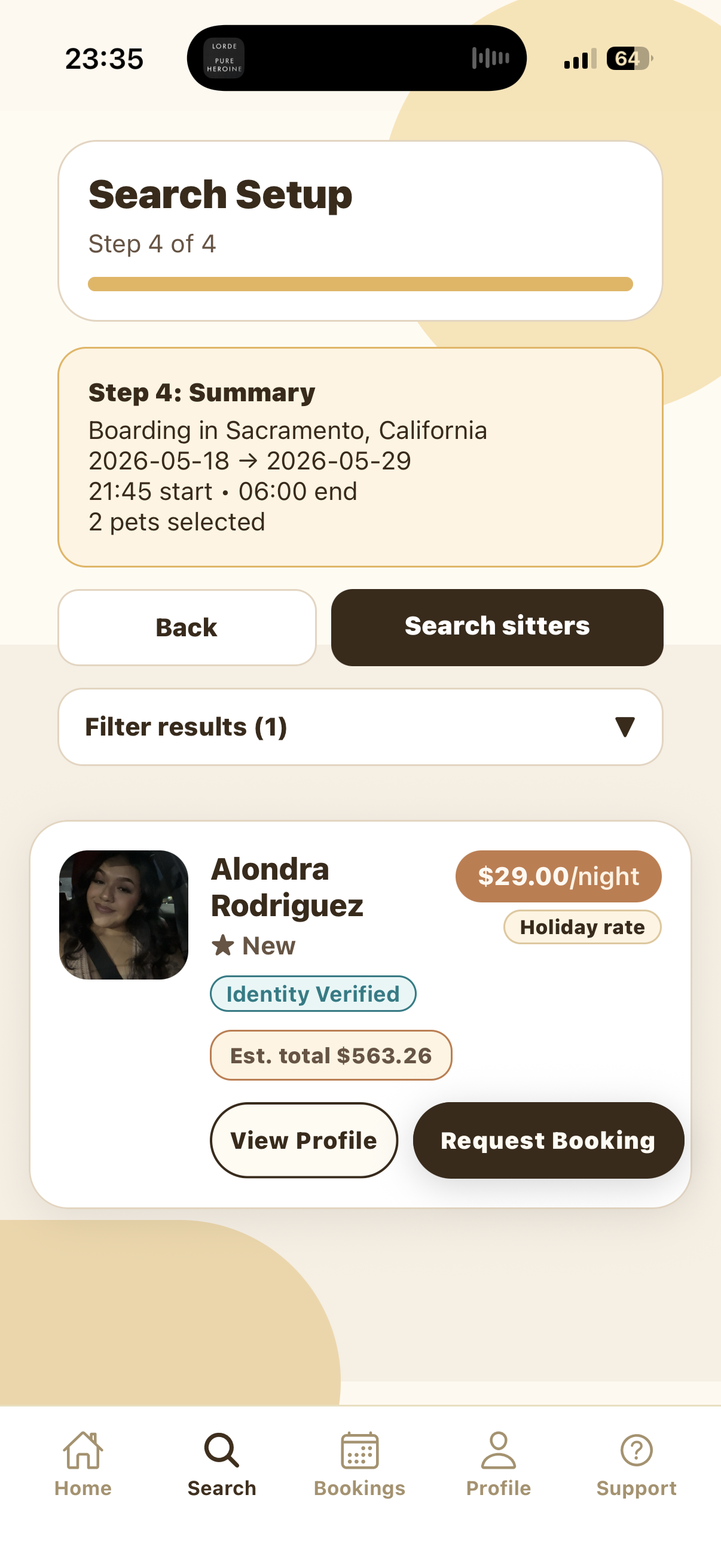
How to book Boarding on SitSignal
Choose Boarding, select your city, pick overnight dates and times, compare sitters, and send a request.
Why you should review your sitter (and when to tip)
A couple of minutes after a booking pays off: what makes a useful review, when to submit it, and when tipping makes sense (and how much).
What clients should expect from a SitSignal dog walk
A SitSignal walk is a documented, trackable service: real-time GPS, full booked duration, in-app potty logs, up to 6 photos, secure entry/exit, and clear communication.
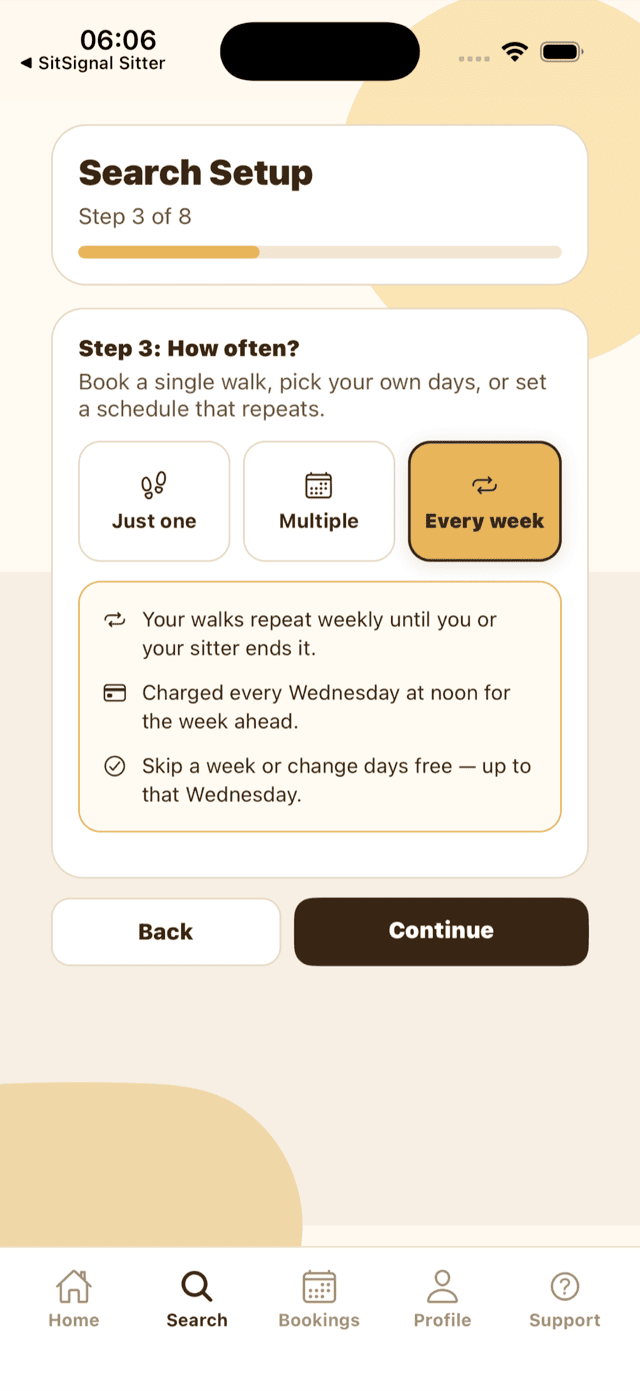
Recurring care: how to book, change and manage repeating walks
Step-by-step: book a repeating walk or drop-in, edit this week or next, keep a card on file for the weekly charge, and — for sitters — set your recurring rate and cancellation notice.
Sitter workflow
11 guides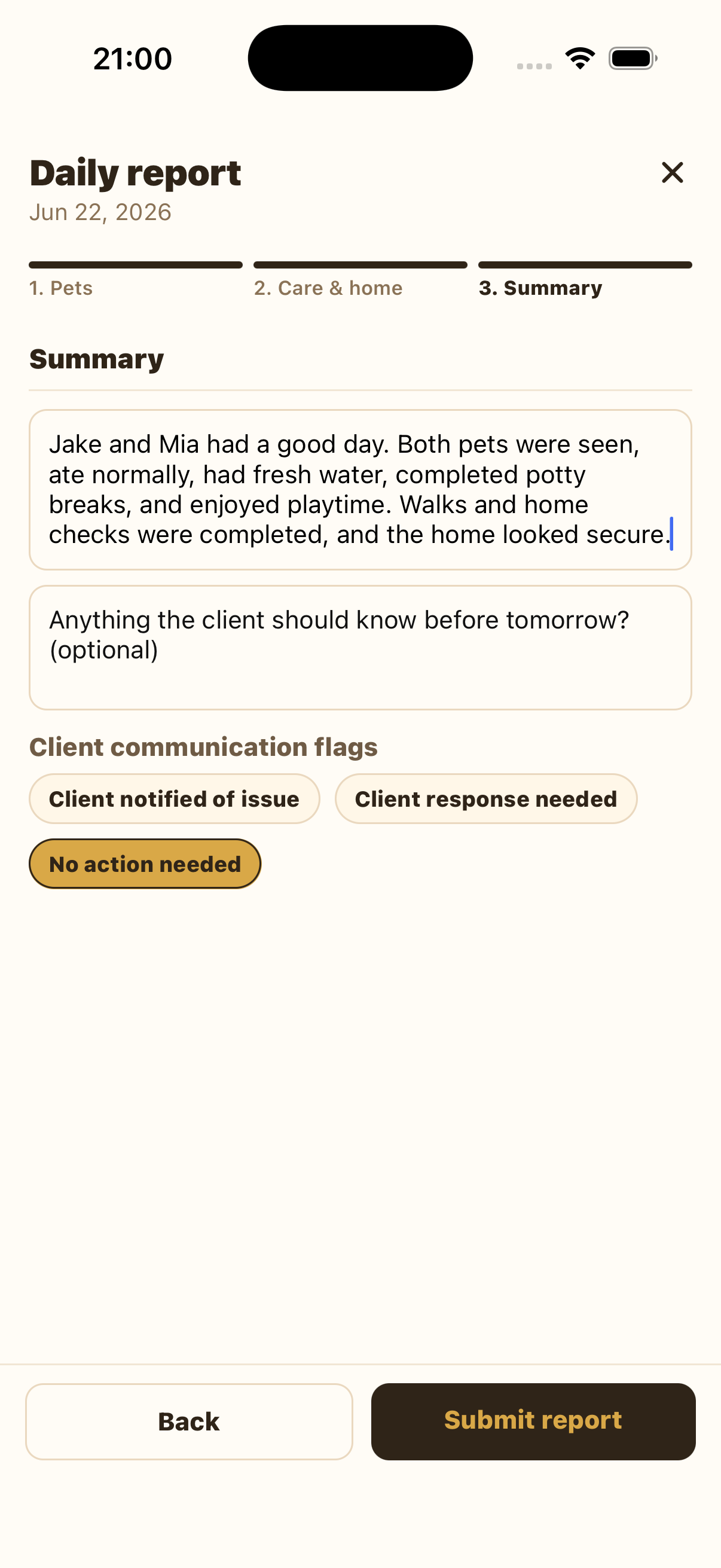
How sitters submit a daily report on SitSignal
Open the booking details, start the daily report, complete Pets, Care & home, Summary, and submit the report.

How to update your sitter profile on SitSignal
Edit your profile, pricing and service types, availability and travel radius, payouts and tax summary, and app settings — across all five Sitter Workspace tabs.
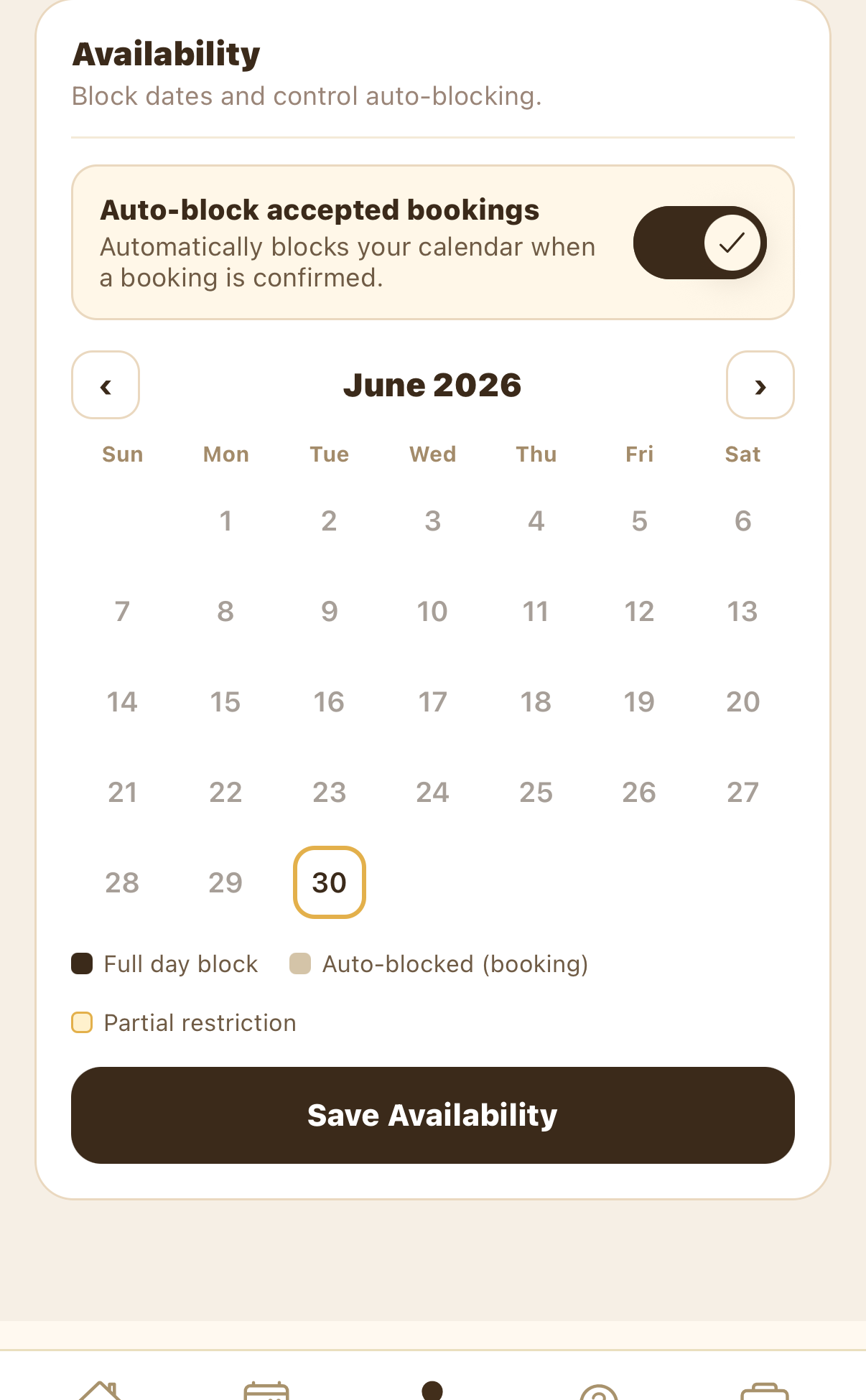
How to update your availability on SitSignal
Block and unblock days, keep auto-block on, set your travel radius, and learn why updating weekly keeps you accurate to clients and ranks you higher in search.

The SitSignal meet & greet guide
Request a meet & greet in the app, prepare and run the visit, read a pet's body language, stay safe, and confirm the booking with confidence.
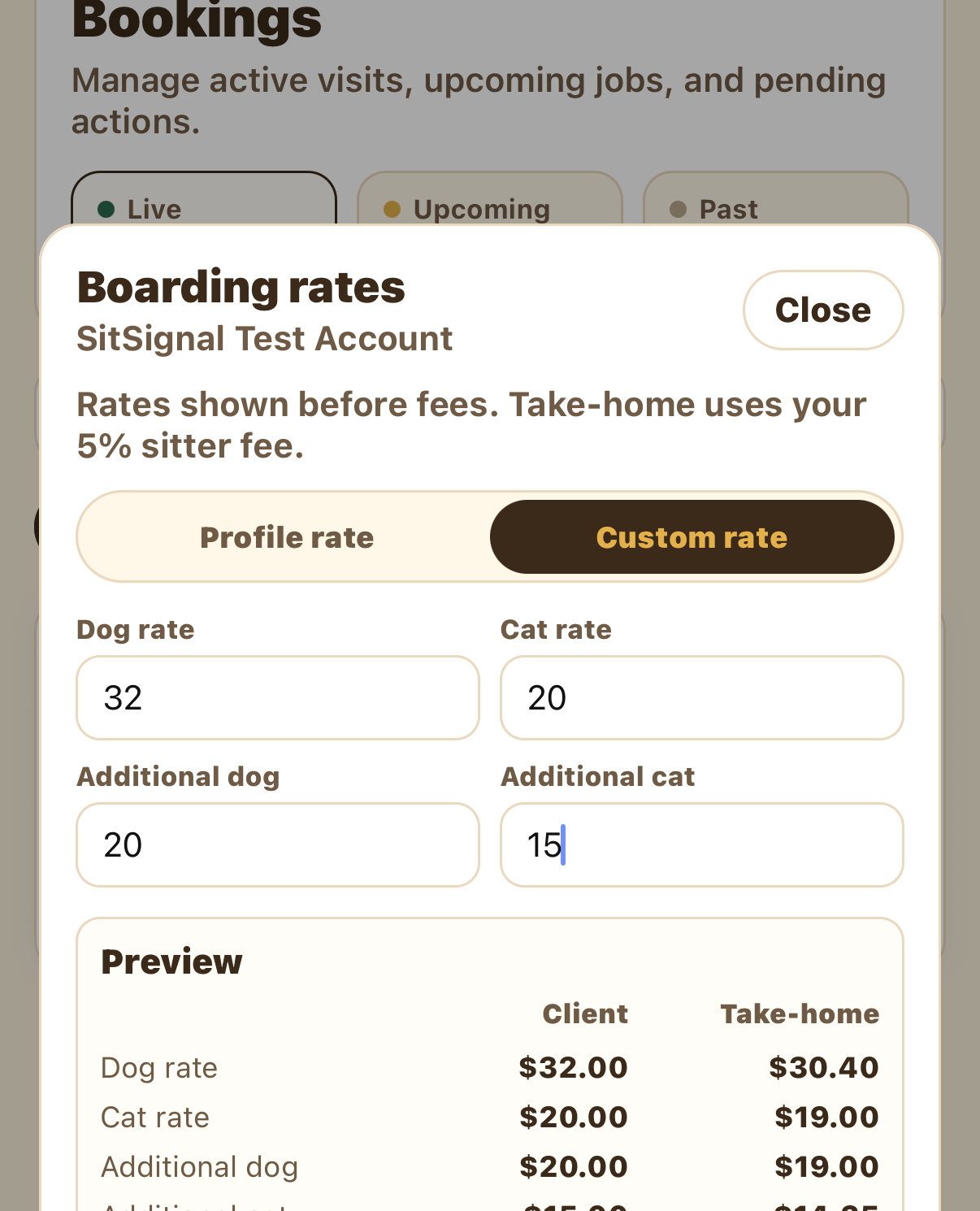
How to set custom rates for a client
Sitters: set client-only prices that carry to a client's future bookings. Toggle Custom rate per service, enter prices, preview your take-home, and save.
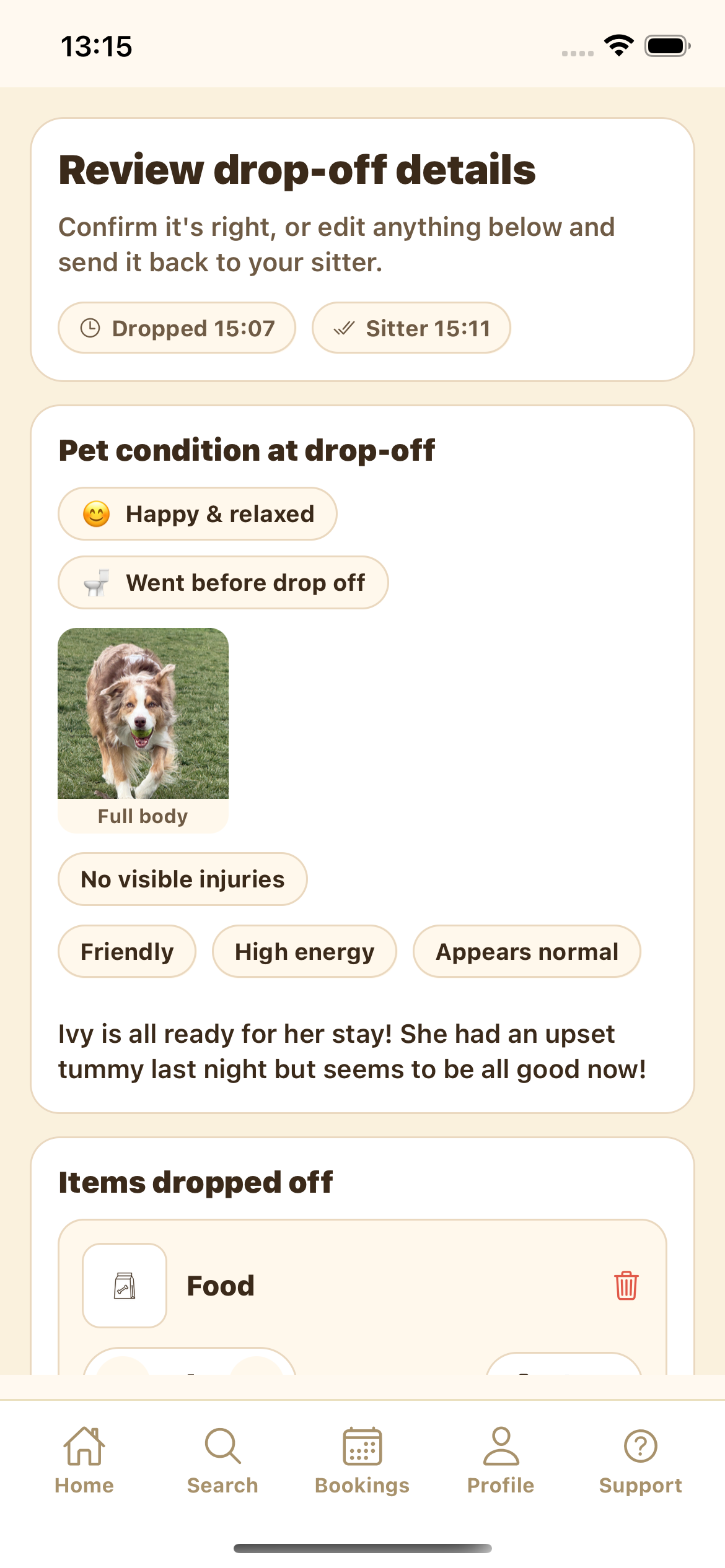
Drop-off & pick-up: the SitSignal handoff
Both ends of a stay: at drop-off the sitter records a documented intake and the client confirms it; at pick-up the sitter marks what came back and the client confirms the return. Records lock.
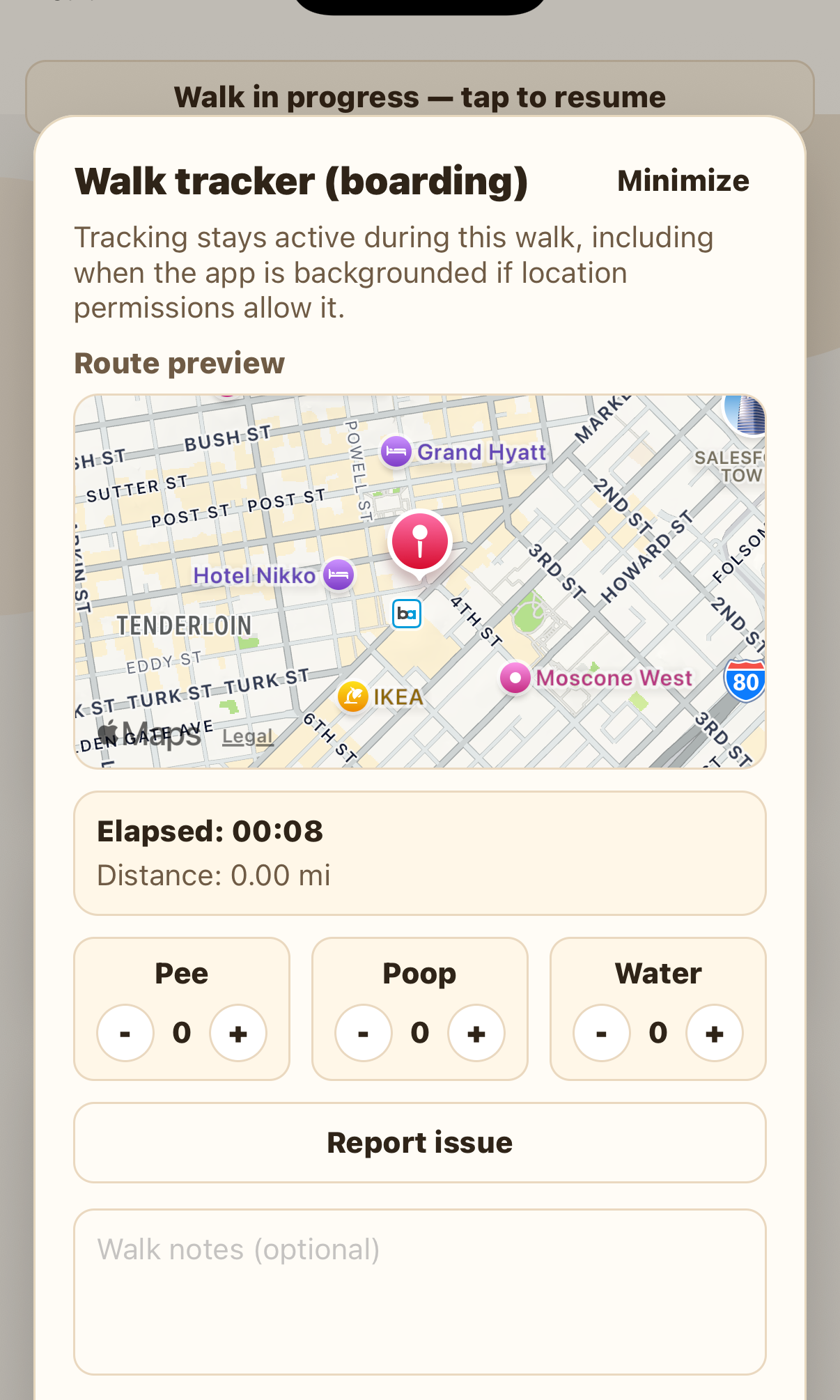
How to start and track a walk
Start a GPS-tracked walk from a booking, run the readiness check, log potty and water live, then finish with a summary the client sees.
How to choose the right cancellation policy as a sitter
Your cancellation policy balances flexibility with protection. How to pick one as a new sitter, when to tighten it, seasonal adjustments, and the effect on bookings.
The importance of prompt communication & daily updates
Great pet care is also about communication. Why prompt replies and daily updates build trust — plus a per-service update checklist and what each update should include.
How to earn 5-star reviews as a pet sitter
Five-star reviews come from systems, not luck: prep, accurate timing, live tracking, great photos, proactive communication, and leaving the home as you found it.
How to set your rates as a SitSignal sitter (without undervaluing yourself)
Price competitively without burning out: recommended starter rates, how to research your market and real costs, account for fees, use add-ons, and raise rates strategically.
Home profiles
5 guides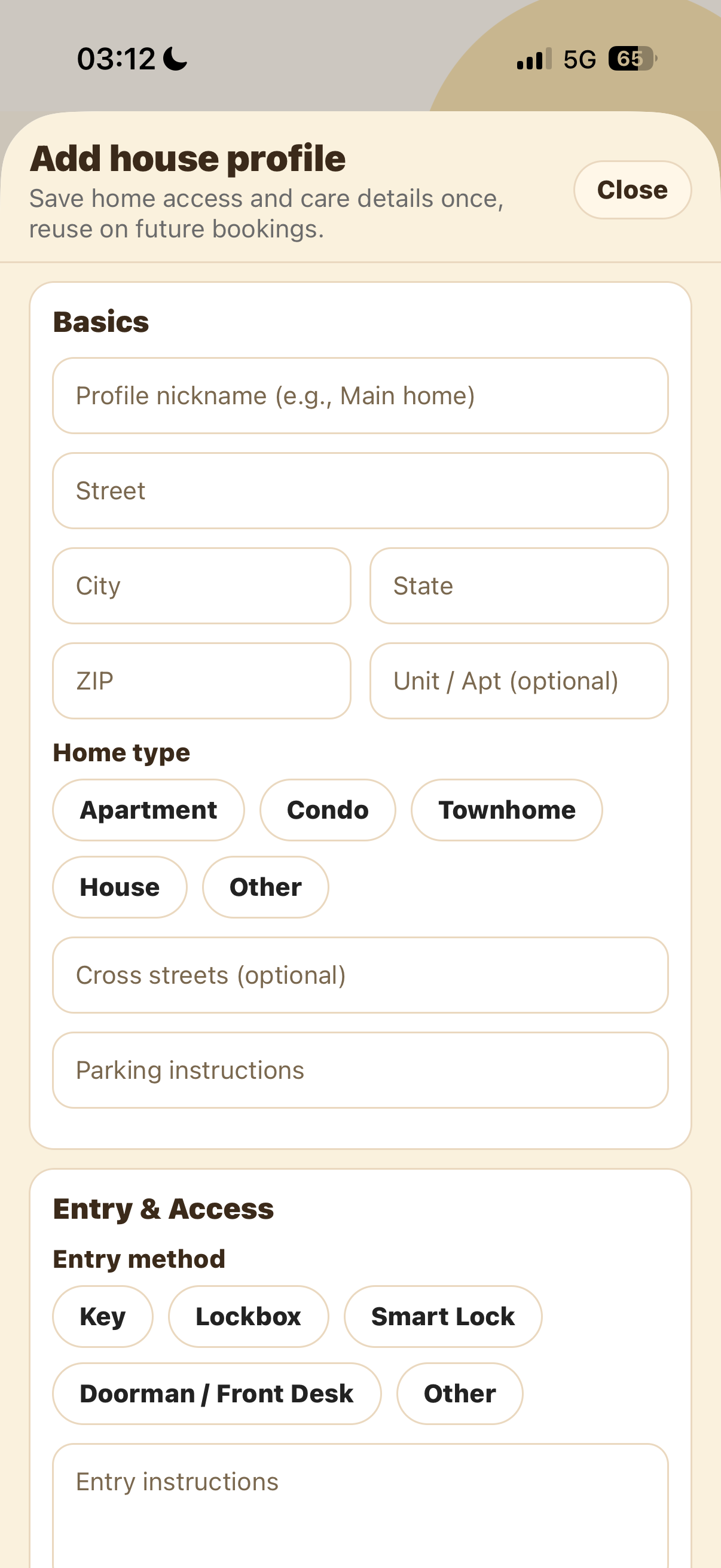
How to create a house profile on SitSignal
Save address, access, safety, pet care, home responsibilities, sitter rules, and emergency details for future bookings.
How to fill out your pet profile correctly (and what to include)
Your Pet Profile is your pet's care manual: identity, age and size, feeding, potty, behavior, alone-time, health, and vet/emergency info. The more complete, the smoother the booking.
How to review a house profile before accepting a booking
Before you accept, read the House Profile like the home's operating manual: location, entry method, supplies, rules, responsibilities, sleeping arrangements, and emergencies.
House profiles vs pet profiles: what's the difference?
SitSignal keeps pet and home info in two separate profiles for clarity and security. What each holds, how they differ, and when a sitter sees sensitive home details.
How to prepare your home for a pet sitter
Clear care instructions, a pet-safe zone, access info, safety checks, emergency info in plain view, and a final walkthrough — how to set your sitter up to succeed.
Payments and fees
3 guidesHow SitSignal payments work: full breakdown
How money moves through SitSignal: what pet parents pay, what sitters keep, the 4.5% platform fee, an example booking, tip timing, and refunds by cancellation policy.
Cancellation policies on SitSignal: what you need to know
Sitters set their own cancellation policy per service — Flexible, Moderate, Strict, or Non-refundable. What each means, plus the non-refundable platform fee.
Extended care rate: what it is and how it works
An automatic charge on house sitting and boarding when pick-up runs well past drop-off. How it's calculated per pet, why it exists, and how sitters can adjust it.
Safety and trust
5 guidesPet sitting red flags: what to watch for (and what to do instead)
Warning signs for pet parents and sitters — off-platform payment pressure, vague communication, skipped meet & greets, mismatched expectations — plus a better move for each.
Identity verification & payouts on SitSignal (Stripe Identity + Connect)
SitSignal uses Stripe Identity to verify sitters and Stripe Connect to pay them. What each does, why both matter, the activation steps, and how to fix common issues.
Daily check-ins for house sitting: what they are and why they matter
SitSignal's once-a-day house sitting report: per-pet updates, care and activity, home status, and a client summary — plus timing rules and best practices.
Pet sitting insurance: why every professional sitter needs it
For paid sitters, insurance is a baseline safety net, not an extra. Common risks, what a good policy covers, typical cost, and why platform protection isn't enough.
Why in-app payments protect sitters and pet parents
Booking and paying in-app isn't just convenient — it documents terms, secures funds before care, makes cancellation policies enforceable, and lets support step in.
Choosing care
3 guidesHow to choose a pet sitter (complete 2026 guide)
Read reviews with a critical eye, run a meet & greet, confirm what's included, pay in-app, and trust your instincts — a no-fluff guide to choosing the right pet sitter.
SitSignal vs Rover: what pet parents should know
A pet-parent comparison of SitSignal and Rover: focus, booking experience, pet profiles, payments and fees, and when each platform makes sense.
Boarding vs house sitting: which is better?
Boarding (your pet at the sitter's home) vs house sitting (the sitter in yours). When each works best, questions to ask, cost differences, and how to decide.
Getting started
2 guidesHow to join the SitSignal beta (iOS & Android)
Get SitSignal's stable or beta apps from sitsignal.com/apps: how to join the iOS TestFlight beta and request Android beta access, plus feedback and how to leave the beta.
Our top 3 favorite dog treats (and why dogs love them)
Treats are training tools, enrichment, and bonding — not just snacks. Three sitter-tested favorites for high-value rewards, fast training reinforcement, and dental care.
Still stuck? We're here to help. 🐾
If a guide doesn't answer your question, reach out. Include the service type, city, booking date, and a short description so support can find the right context fast.