 SitSignal
Where walks live
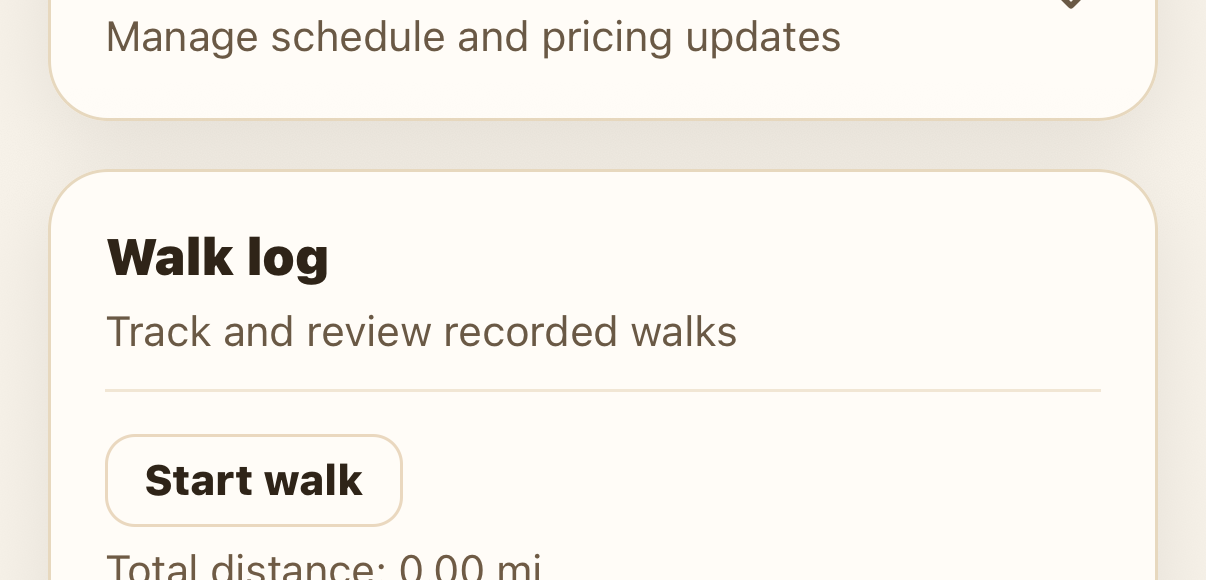
Every booking has a Walk log that tracks and stores recorded walks. You can start one from the Walk log on the booking, or from the Current jobs card on your Home screen.
Tracking is required for dog-walking visits (covered in its own guide) and optional — but highly recommended — for boarding, house sitting, and drop-ins. On a house sitting stay, a tracked walk even auto-fills the walks section of the daily report, so you don't have to.
Start a walk
Open the booking, scroll to Walk log, and tap Start walk. The log shows your total distance and a history of past walks for the booking.
Run the readiness check
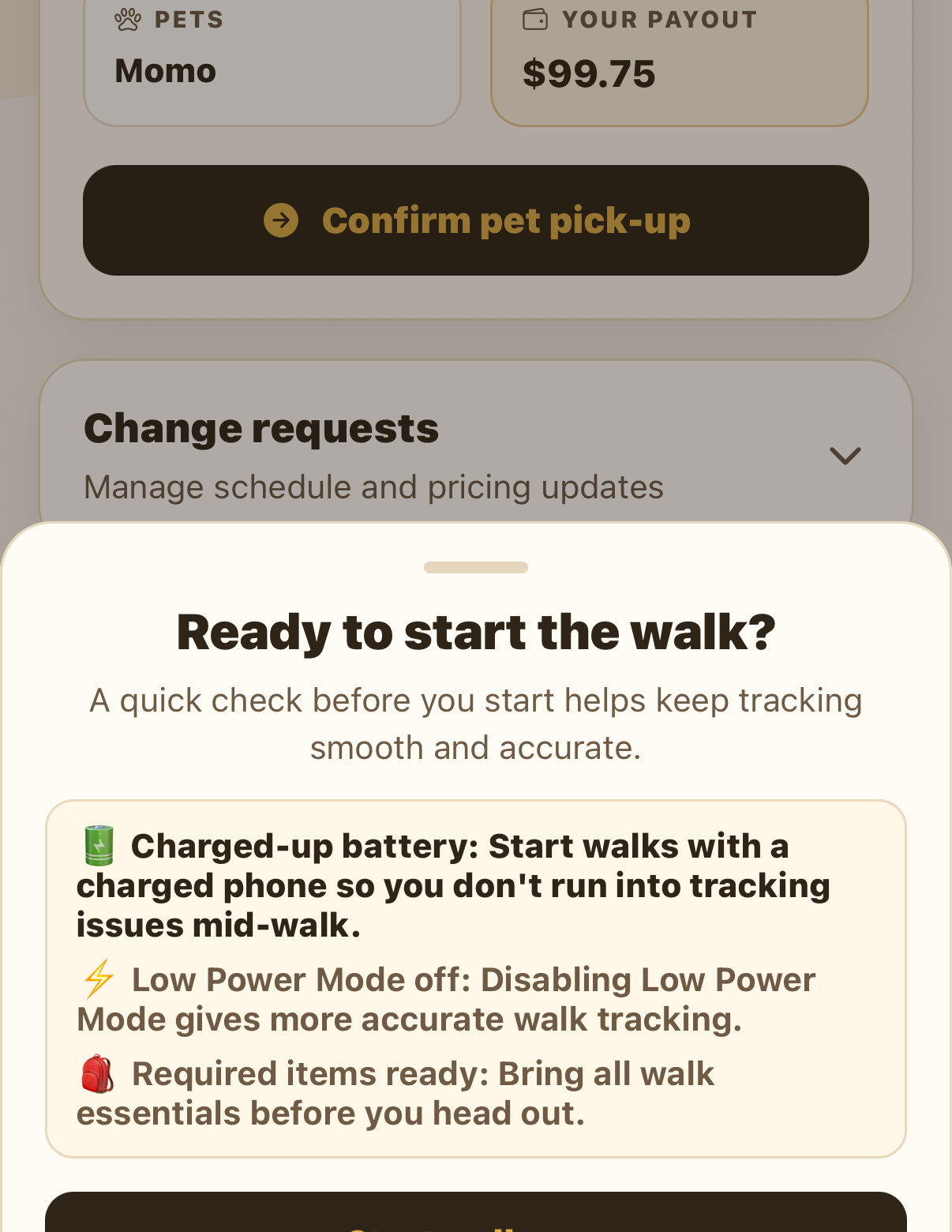
A quick check keeps tracking smooth: make sure your phone is charged, Low Power Mode is off (it gives more accurate tracking), and your walk items are ready. Tap Start walk now when you're set.
Track the walk live
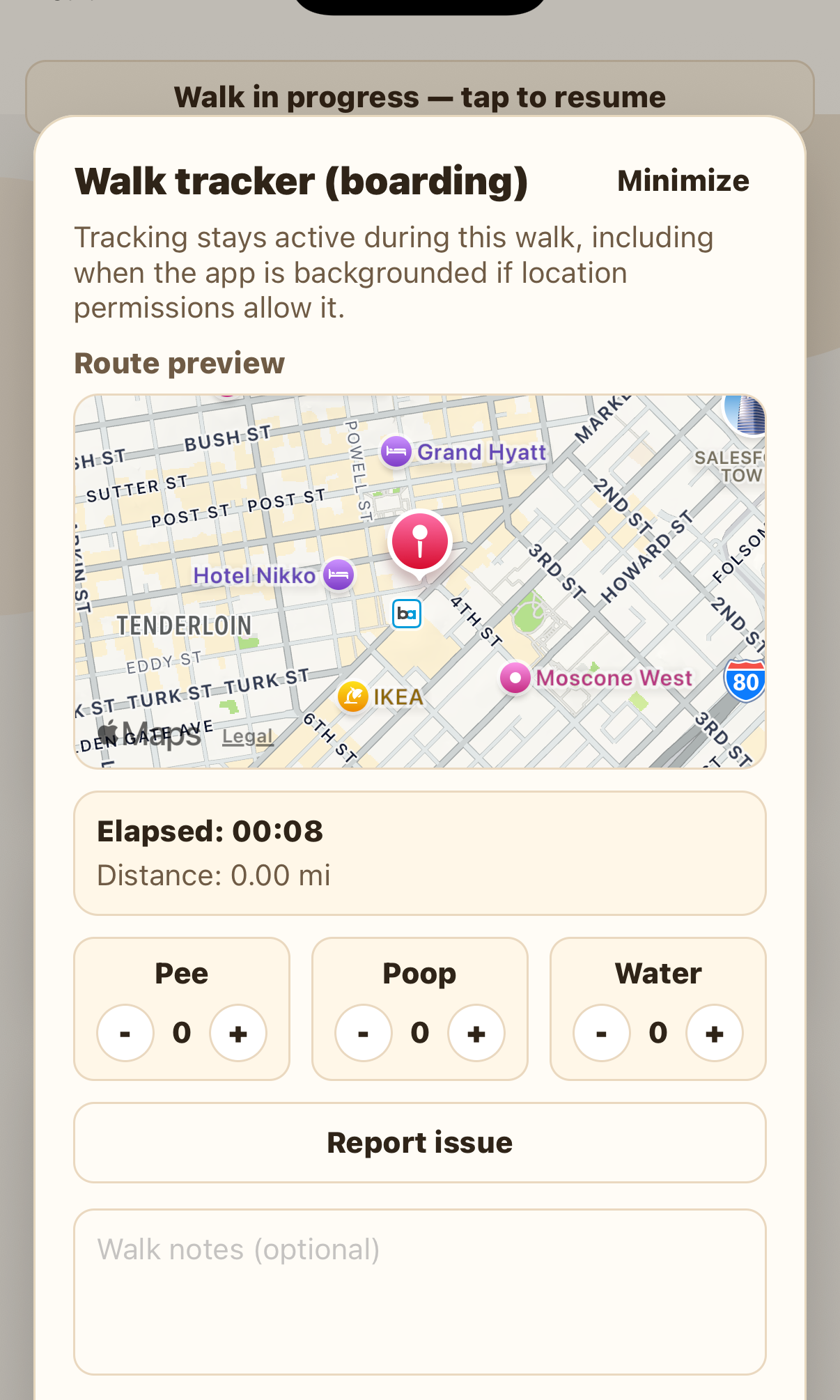
The walk tracker shows a live route map, an elapsed timer, and distance. As things happen, tap to log pee, poop, and water, add walk notes, or Report issue if something comes up. Tracking stays active while the walk is running.
Finish and review the summary
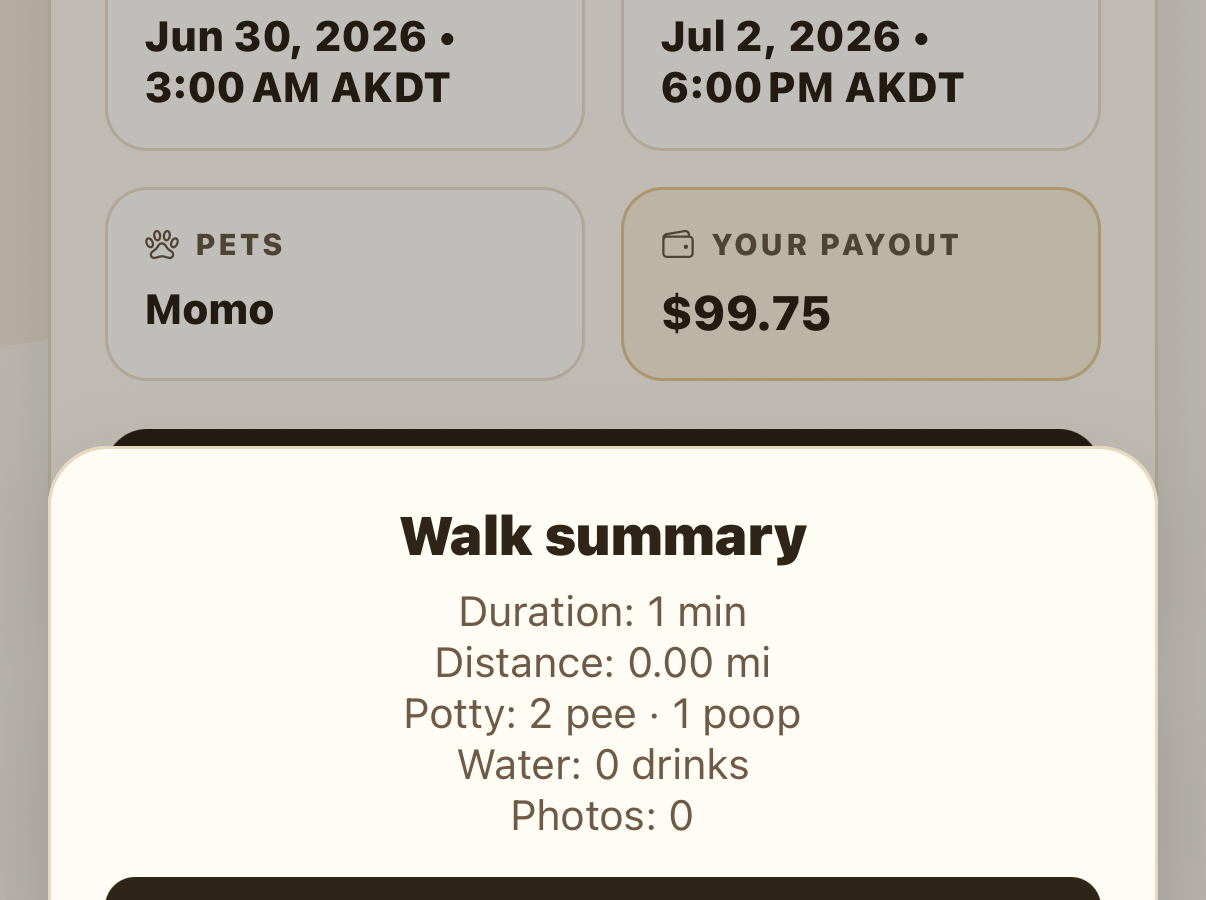
Add any walk notes for the client, then tap Finish walk. The walk summary recaps the duration, distance, potty count, water, and photos, then saves to the booking's walk history — where the client can see it. Tap Done. If you headed back before jotting notes, you can reopen the walk to add them and complete it.
Why track every walk
We highly encourage tracking every walk. A tracked walk is a written, proven record that the walk happened — where it went, how far, and at what time. It shows clients their pet is getting walked and how much, and clients can follow along live and review the route afterward. It's the simplest way to build trust.
FAQ
Yes — if you allow SitSignal to Always use your location, you can leave the tracker, lock your phone, take a call, or play music and the walk keeps recording. Just don't force-close the app.
Yes, if you allow it — a Live Activity on your Lock Screen and Home Screen shows the live walk and lets you log potty breaks without reopening the app.
Yes. Clients can watch the walk live and see the finished route and summary in the walk history.
It's required for dog-walking visits (its own guide) and optional — but highly recommended — for boarding, house sitting, and drop-ins. On house sitting it also auto-fills the daily report's walks section.
You can reopen the walk afterward to add notes and complete it.